Download

Getting it live

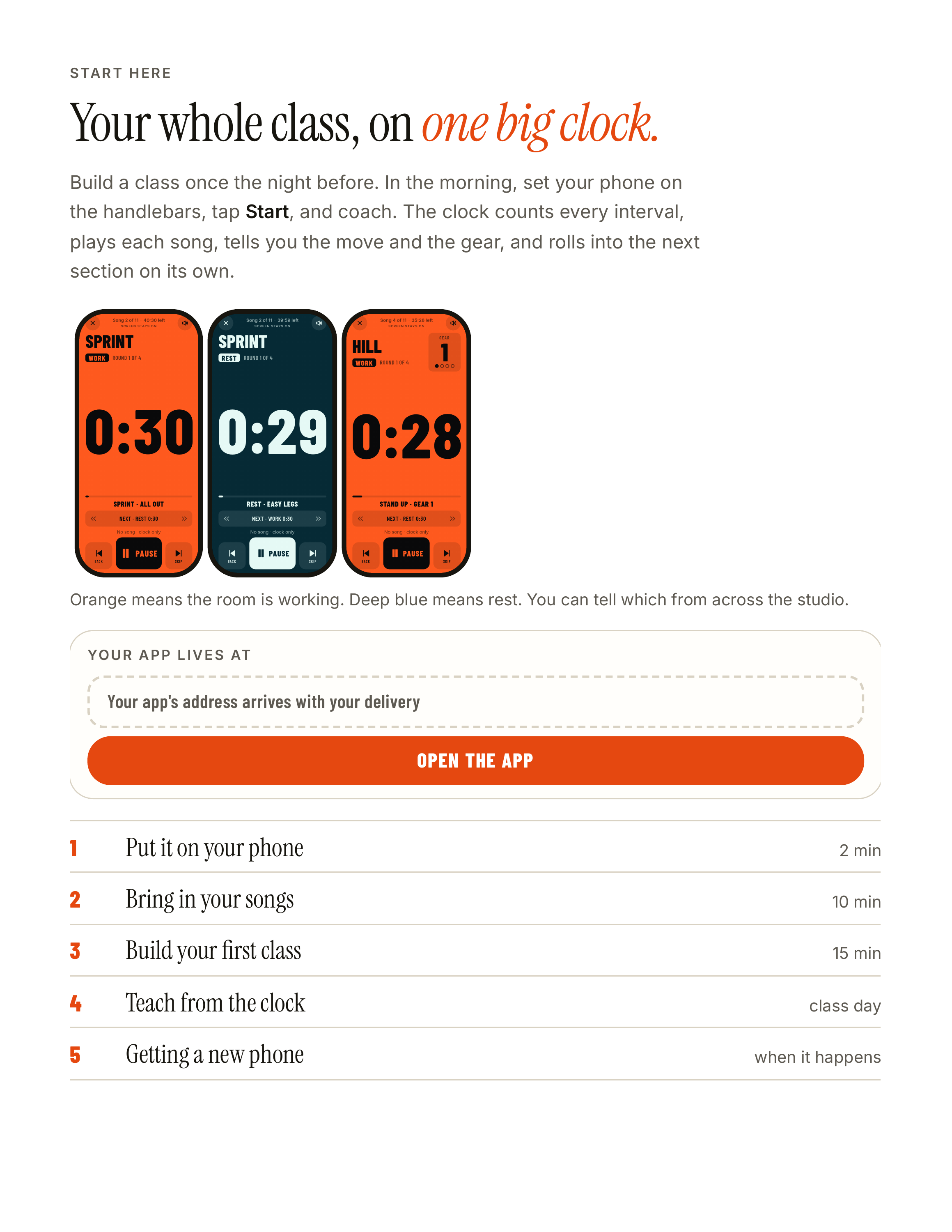
S TA R T H E R E Your whole class, on one big clock. Build a class once the night before. In the morning, set your phone on the handlebars, tap Start, and coach. The clock counts every interval, plays each song, tells you the move and the gear, and rolls into the next section on its own. Orange…
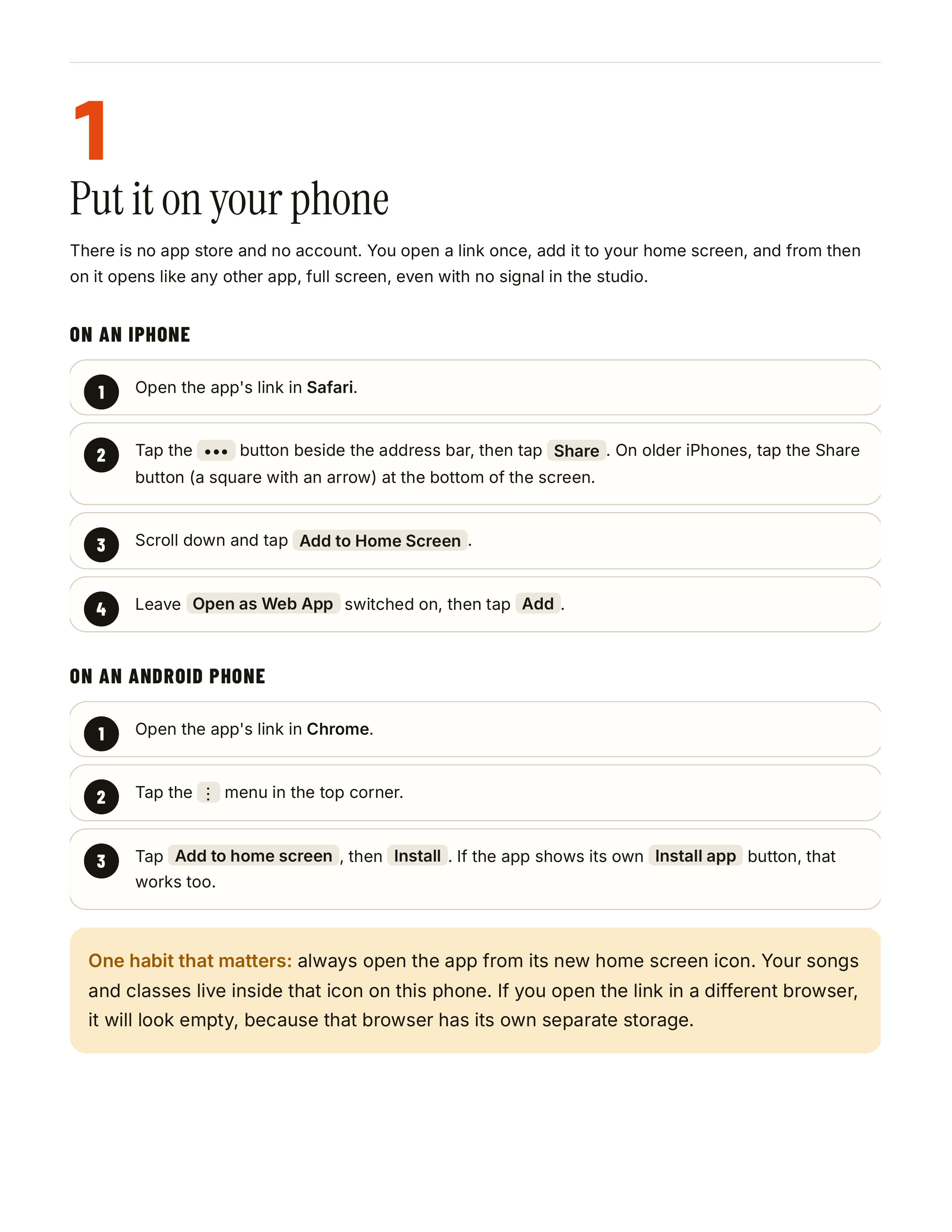
1 Put it on your phone There is no app store and no account. You open a link once, add it to your home screen, and from then on it opens like any other app, full screen, even with no signal in the studio. ON AN IPHONE 1 Open the app's link in Safari. 2 Tap the ••• button beside the address bar,…
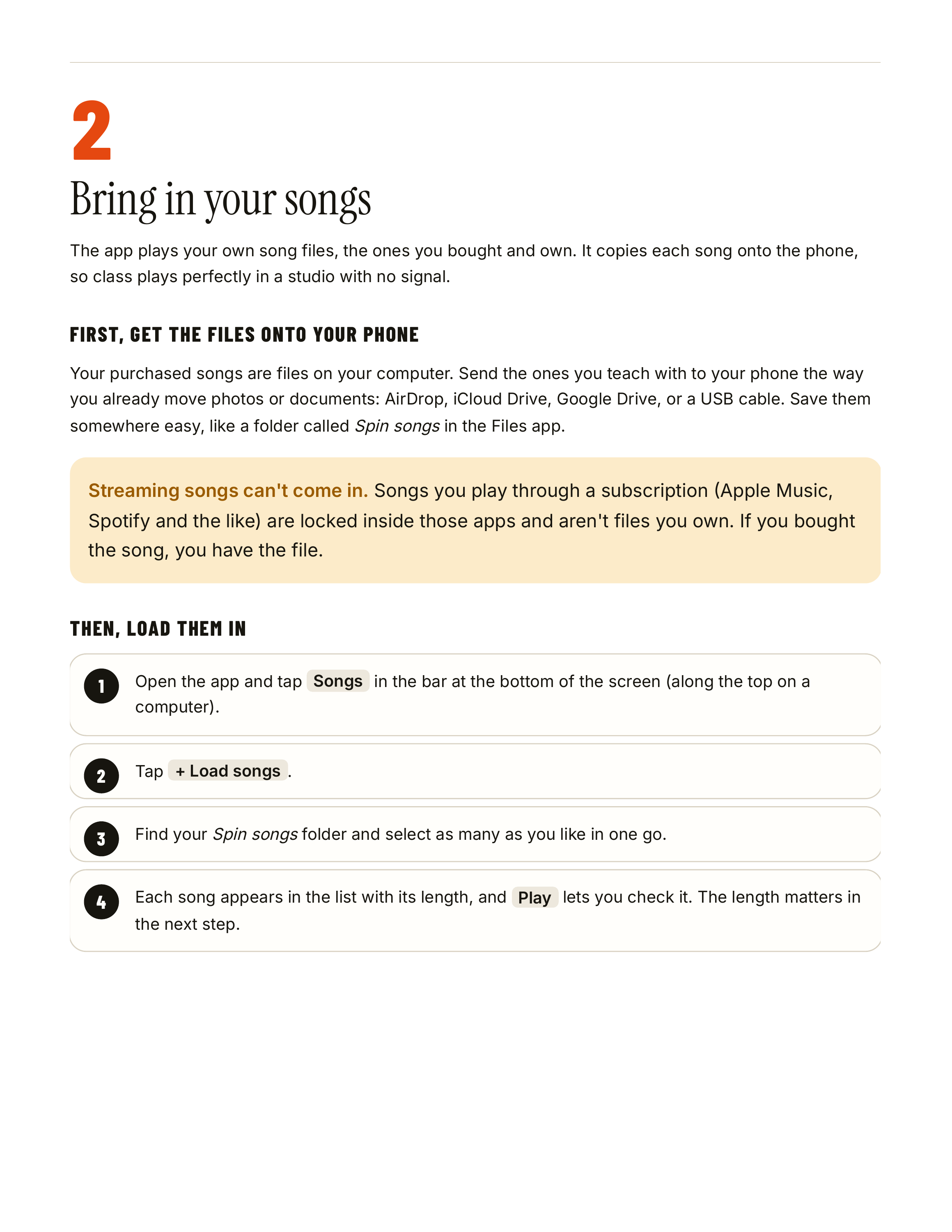
2 Bring in your songs The app plays your own song files, the ones you bought and own. It copies each song onto the phone, so class plays perfectly in a studio with no signal. FIRST, GET THE FILES ONTO YOUR PHONE Your purchased songs are files on your computer. Send the ones you teach with to your…
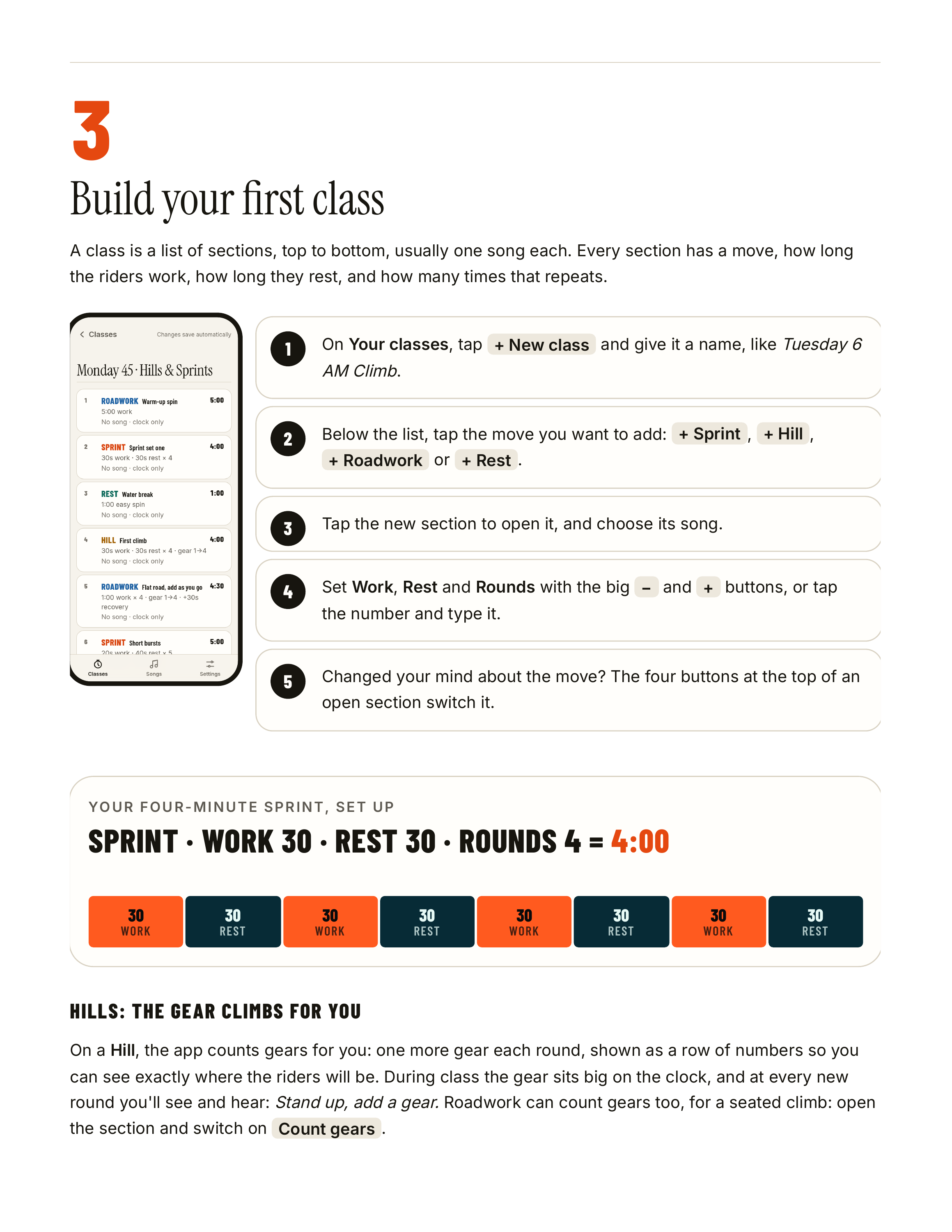
3 Build your first class A class is a list of sections, top to bottom, usually one song each. Every section has a move, how long the riders work, how long they rest, and how many times that repeats. 1 On Your classes, tap + New class and give it a name, like Tuesday 6 AM Climb. 2 Below the list,…
WHEN A SONG AND A SECTION DON'T MATCH Open a section and the app tells you how its song lines up. If the song is longer, it simply ends with the section. If the song is shorter, the clock keeps going and you choose what the music does: start again from the top or stay quiet. There's also a one-tap…
You'll hear a chime at every change from work to rest and back, and at each new gear. A voice can call the move too (Stand up, add a gear); the speaker button in the top corner turns it on and off. THE BUTTONS Pause sits in the middle, under your thumb. Skip jumps to the next part of the class;…